


Introduction
It often starts in a very ordinary way. Your child borrows a device for homework, checks a class chat, watches a few videos after dinner, then somehow ends up clicking links, chatting in games, or seeing something you never expected. For many families in Singapore, the online world is tied closely to school, tuition, entertainment, and friendships. That is why figuring out how to protect children from online dangers can feel so urgent, and honestly, quite draining.
You may already be doing your best. Maybe you have set screen limits, checked browsing history, or reminded your child not to talk to strangers online. Even so, children move quickly between YouTube, Roblox, WhatsApp, school portals, and gaming chats. The risks do not always look serious at first. Quite often, they show up as oversharing, clicking a fake reward, joining the wrong group, or trusting someone who seems harmless.
This guide is for Singapore parents who want practical, calm advice on online safety for children. The aim is not to create fear. It is to help you protect children online while keeping trust at home.

Key Takeaways
- Start with trust, not panic. Children are more likely to speak up about online risks when they do not expect instant scolding, device confiscation, or blame. A calm first response often shapes whether they tell you early next time.
- Teach specific dangers clearly. Privacy, strangers, scams, harmful content, gaming chats, and unauthorised purchases need separate conversations. Many children understand one risk but miss another, so broad warnings are rarely enough.
- Use rules that fit real family life. A workable routine for school nights, tuition days, and weekends is more effective than a strict rule nobody can sustain. Consistency matters more than sounding tough.
- Check habits, not just apps. A child can be unsafe even on familiar platforms if they overshare, click unknown links, or trust online “friends” too quickly. Safe use matters as much as the platform itself.
- Keep devices in conversation range. Open-device habits, shared spaces, and regular check-ins reduce secrecy without making children feel constantly policed. This is especially helpful for primary school children.
- Prepare children for what to do next. Saying “be careful” is too vague. Children need simple scripts for what to do if someone asks for photos, money, personal details, or private chats.
- Get support early if online issues affect school or wellbeing. When distractions, anxiety, or low confidence spill into homework and routines, added support can help a child regain balance.
Understand Where Online Risks Actually Happen
Many parents imagine danger as something hidden in a dark corner of the internet. In real life, online risks often enter through the everyday platforms children use without much thought. Protecting children from online dangers is not only about blocking obviously bad websites. It is also about noticing how normal digital habits can become risky.
School, tuition, and entertainment now overlap
A primary school child might use a tablet for SLS work, switch to YouTube, glance at a class WhatsApp group, then join a game after finishing Chinese spelling. The boundaries disappear very quickly. A link shared in a school chat can look harmless. A tuition group chat may include forwarded jokes, random videos, or study materials from unknown sources.
Many parents focus only on social media. But for younger children, problems often begin earlier through games, videos, and messaging apps. That is why online safety for children needs to cover more than Instagram or TikTok.
Common online dangers for children
The main risks are easier to spot when laid out clearly:
A better question to ask is not just, “What app is my child using?” Ask, “What can happen on this app, and does my child know what to do?”
Build Openness Before You Build Rules
Some of the toughest moments happen after a child has already made a mistake. They clicked a suspicious link, chatted with a stranger, shared a photo, or bought something in a game. If they believe the result will be shouting, shame, and a week without devices, many children will hide it.
Fear-based reactions often backfire
It is understandable to feel upset. It is late, homework is not done, and you have just found out your child spent the last hour chatting in a game with people they do not know. Still, if every online mistake leads to an explosion, children usually learn secrecy, not safety.
Tutors often notice a similar pattern in other areas too. When children are afraid of the reaction, they delay telling the truth. Online issues are no different. When they expect calm guidance, they are more likely to speak up earlier, while the problem is still manageable.
Use conversation starters that feel natural
Instead of turning every discussion into a lecture, try short prompts like these:
- “If someone in a game asks to chat somewhere else, what would you do?”
- “Has anyone ever sent you a weird link in a class or tuition group?”
- “What kind of videos pop up even when you did not search for them?”
- “If you accidentally saw something disturbing, would you tell me or worry I’d be angry?”
These work because they open the door without cornering your child.
Make one family promise
Say this clearly: “If something online makes you uncomfortable, or if you make a mistake, come to me first. I may need to fix it, but I will help before I punish.”
That one sentence matters more than many parents realise. It tells your child that safety comes before blame.
Teach Privacy, Stranger Danger, And Scams In Concrete Ways
Children often do not respond well to vague warnings. “Don’t share personal information” sounds clear to adults, but not necessarily to a nine-year-old who thinks telling an online friend their school name is no big deal.
Explain what an online stranger really is
Children need plain language here. An online stranger is still a stranger even if they:
- Know the same game
- Use Singlish
- Say they are also from Singapore
- Seem funny or kind
- Have been chatting for weeks
A simple line helps: “Being friendly is not the same as being safe.”
A common pattern among students is that they judge safety by tone. If someone sounds casual or local, they feel less suspicious. That is exactly why this needs to be taught directly.
Teach what personal information really includes
Many children think personal details mean only their full name and address. In reality, it also includes:
- School name
- Class
- Tuition centre
- CCA schedule
- Photos in school uniform
- Landmarks near home
- Holiday plans
- Parents’ phone numbers
If your child posts a happy photo after school and the background shows a worksheet, school badge, or nearby pickup point, that can reveal more than they intended. In Singapore, where routines are often structured and locations can be easy to recognise, this matters.
Explain scams through examples children recognise
Children pause more when they know what the trick looks like. Familiar examples include:
- “Click here for free Robux”
- “Log in to get free diamonds”
- “You won a prize, enter your account details”
- “Help me vote for my friend by entering your password”
Once children understand that excitement is often the hook, they are more likely to stop and think before clicking.
Teach children a few simple “pause questions”
One useful habit is to give children a short checklist before they click, reply, or share. For example:
- Do I know this person in real life?
- Is this asking for personal details, money, or a password?
- Is this trying to rush me?
- Would I be okay if Mum or Dad saw this message?
These questions are simple enough for younger children and still useful for older ones. They turn online safety from a vague warning into a repeatable habit.
Set Digital Rules That Protect Without Destroying Trust
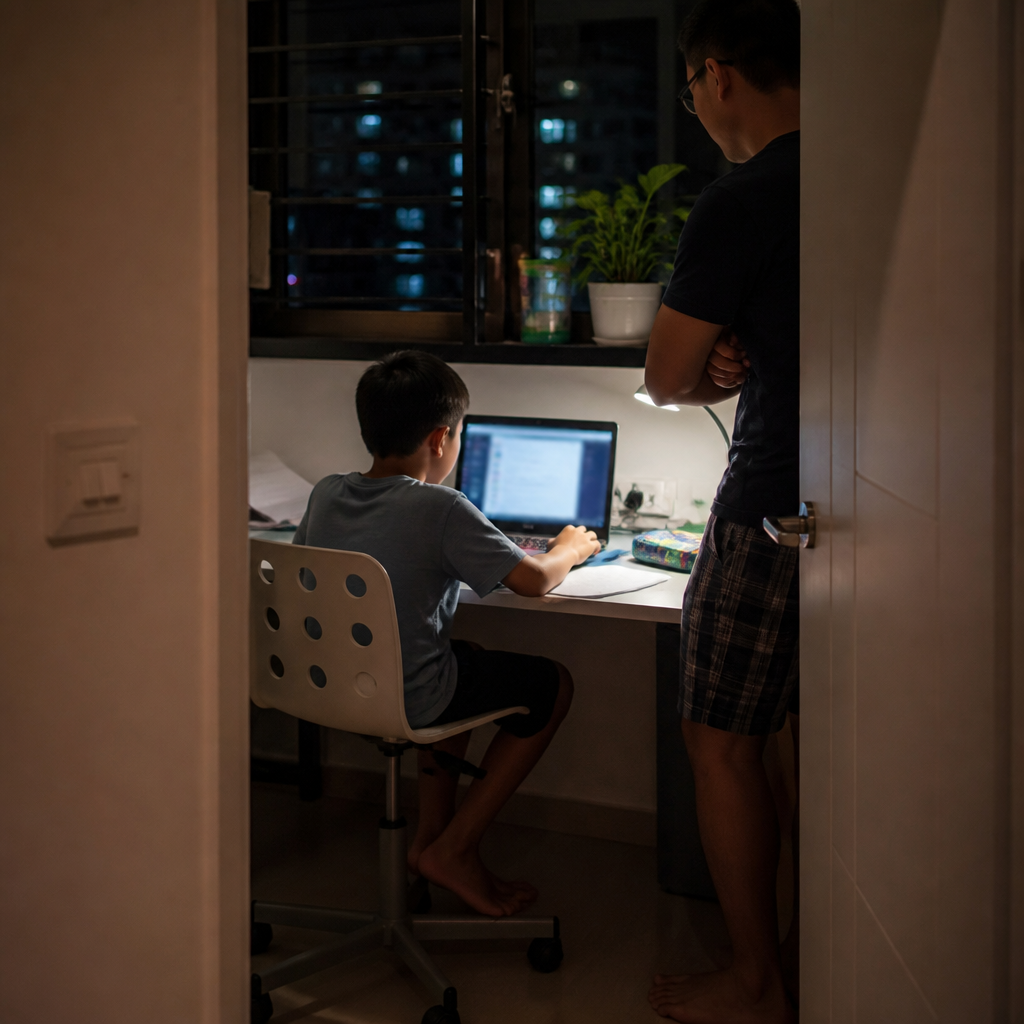
Many parents swing between two extremes. One is total freedom because they do not want constant conflict. The other is rigid surveillance that makes children hide more. Realistic internet safety for kids usually sits somewhere in the middle.
Create rules around situations, not just time
A strong parent approach to screen time goes beyond “one hour only.” Time matters, but context matters too.
Rules like these work because they target actual online dangers, not just screen duration.
Keep younger children’s devices in shared spaces
A child doing homework at the dining table may complain, but shared visibility prevents many problems before they grow. A quick glance can catch autoplay drift, pop-up ads, unsafe chats, or gaming during “revision time”.
This does not mean hovering over every tap. It means making screens part of normal family space. For primary school children, this is one of the most practical online safety habits parents can use straight away.
Use checks that feel steady, not sneaky
Some parents secretly inspect everything. Others avoid checking completely because they feel bad about it. A more balanced approach is to say, “From time to time, I will check your apps, privacy settings, and contacts with you.”
That kind of transparency matters. Children cope better with clear boundaries than hidden surveillance.
Review settings, not just behaviour
It also helps to spend a few minutes every month checking practical settings together. Look at privacy controls, friend lists, chat permissions, location sharing, and saved payment methods. This turns safety into a routine family habit rather than a reaction after something goes wrong.
Watch The Main Risk Zones
Not every platform works the same way. Children need different guidance depending on what they are doing online.
Gaming chats can feel harmless until they are not
Many children first run into stranger contact through games, not traditional social media. They join to play, someone offers help, then the conversation shifts into private messaging, voice chat, or personal questions.
A child may honestly say, “But we only talked about the game.” That may be true at the start. Grooming often begins with ordinary conversation. That is why online safety for children has to include games, not just social media apps.
School and tuition group chats need boundaries too
Singapore children are often in class chats, project chats, CCA chats, and tuition chats. These groups can be useful, but they can also bring gossip, pressure, and random link sharing. Sometimes a child joins late-night conversations simply because they do not want to feel left out.
Teach your child:
- Not to click unknown links in group chats
- Not to forward screenshots casually
- Not to post personal photos into large groups
- Not to assume every group member is trustworthy
Some online risks come from carelessness, not cruelty. A classmate forwarding a “funny” video can still expose younger children to harmful content.
Lock down payments and app purchases
Children should not have easy access to stored payment methods. Disable in-app purchases where possible, use purchase approvals, and review subscriptions regularly.
This matters because tired or emotionally wound-up children are more impulsive. After a long school day, homework, and maybe tuition, a quick in-game reward can feel very tempting.
If online distractions, school stress, or confidence issues are starting to pile up, some families find it helpful to get gentle academic support outside the home. You can learn more about our tutors here.
Help Children Handle Harmful Content Calmly
Some parents assume, “My child knows bad content is wrong, so they will just close it.” But children do not always react that neatly. They may feel shocked, curious, guilty, or frozen. Some keep watching simply because they do not know what else to do.
Tell children exactly what counts as unsafe content
Use age-appropriate language and be specific:
- Scary or disturbing videos
- Sexual content
- Violent clips
- Hateful content
- Challenge videos that encourage dangerous acts
- Content that tells children to keep secrets from parents
A child scrolling after homework may click one strange video, then get fed more of the same. This is why digital safety for kids is not only about strangers and scams. Content can affect mood, behaviour, and curiosity too.
Give a simple response plan
Children cope better when they know the next step. Keep it simple:
For younger children, you can shorten this to “Close, show, tell.”
Avoid shaming curiosity
If your child has seen something inappropriate, try not to react in a way that shuts them down. Curiosity is normal. Accidental exposure happens. What matters most is what happens after.
A calm response might be: “I’m glad you told me. Let’s deal with it together.”
For broader cyber wellness guidance in Singapore, parents can also refer to MOE’s cyber wellness resources and IMDA.
Know When An Online Problem Is Affecting Daily Life
Sometimes the issue is not one dramatic incident. Instead, the signs show up slowly in everyday routines. A child becomes unusually secretive with a device, gets upset when asked to stop, loses focus during homework, or seems anxious after checking messages.
These changes do not always mean something serious has happened online, but they are worth noticing. Parents may want to pay attention if a child is:
- Hiding screens quickly when adults walk by
- Losing sleep because of late-night chats or videos
- Becoming withdrawn after group chat conflicts
- Showing sudden fear, irritability, or clinginess after device use
- Falling behind in school because online habits are crowding out work
When these patterns appear, start with calm questions rather than accusations. A child who feels safe is more likely to explain what is really going on.
Frequently Asked Questions
At what age should I start teaching online safety for children?
As soon as your child starts using a device independently, even if it is mainly for games or videos. A younger child may not understand every concept yet, but they can still learn simple rules like not sharing their school and telling you if anything online feels strange.
How can I protect children online without making them secretive?
Be clear about both the rules and the checks. Let your child know what you will monitor and why. Children are usually less secretive when they feel guided, not trapped. A calm response after mistakes matters more than a harsh one-time warning.
What if my child says everyone in class is using it?
Many Singapore parents hear this, especially with school chats and enrichment group culture. You do not have to follow every other family. It helps to explain that different homes have different rules, and your job is to keep your child safe, not simply keep pace with what others are doing.
Should I ban gaming and social media completely?
Sometimes a temporary ban may be needed after a serious incident. But a total ban does not automatically build judgment. In many cases, supervised use, clear boundaries, and steady conversations do more to shape long-term habits.
What should I do if my child has already been chatting with an online stranger?
Start by staying calm. Check what was shared, save evidence if needed, block the contact, review privacy settings, and talk through what happened without humiliating your child. If the situation feels serious, act quickly and take it seriously.
Conclusion
Learning how to protect children from online dangers is really about combining awareness, trust, and steady boundaries. Children in Singapore go online for homework, school communication, games, videos, and social connection. That means risks can appear in very ordinary moments, not only extreme ones. Privacy leaks, stranger contact, scams, harmful content, oversharing, and accidental spending all deserve attention.
The most effective approach is usually calm and consistent. Keep devices in shared spaces where possible, talk openly about internet stranger danger, explain scams using examples children recognise, and set rules that match real family routines. Most importantly, make sure your child knows they can come to you early, before a problem grows.
If your child is feeling overwhelmed by online distractions, school stress, or confidence issues, learn more about our tutors for gentle academic support that fits your family’s needs here.