


Introduction
It usually starts with a very ordinary evening. You are rushing home from work, your child is already tired, and you still want to keep learning going without turning the night into another round of reminders, bargaining, or tears. That is when many parents start wondering, what are the best learning apps for young children?
It sounds straightforward, but most Singapore families know the real challenge is bigger than finding a “good app”. You are trying to choose something safe, age-appropriate, and genuinely useful for preschool or lower primary learning, without sliding into unhealthy screen habits.
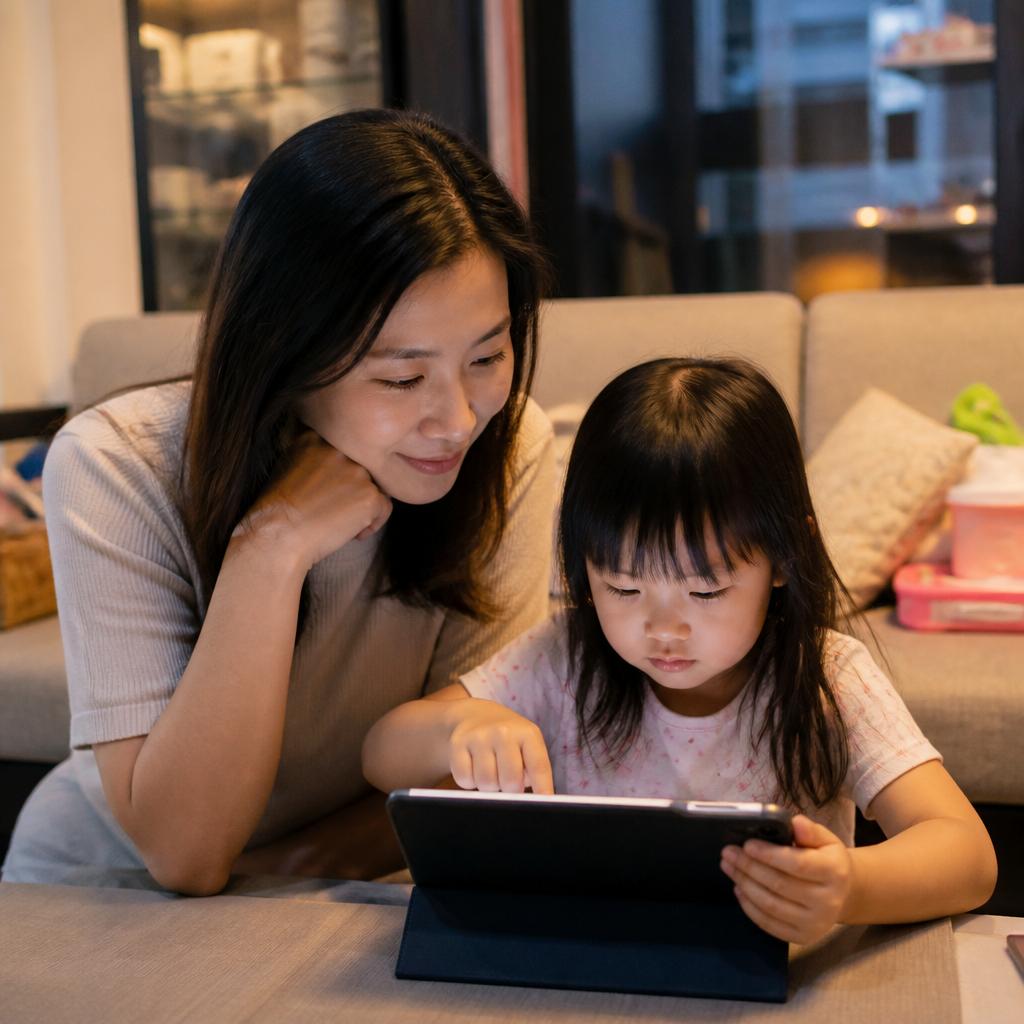
For working parents, educational apps can be a practical support tool at home. They can reinforce phonics, reading, numeracy, Chinese vocabulary, and basic thinking skills in short pockets of time. Still, not every colourful app is truly educational. Some are built more to hold attention than to build understanding. If you are looking at the best study apps for kindergarten kids in Singapore, this guide will help you assess them carefully, with your child’s learning and well-being in mind.
Key Takeaways
- Choose based on learning needs first. The best app is not the flashiest one, but the one that matches your child’s current needs, whether that is phonics, counting, Chinese exposure, or simple focus-building practice. A child who is still learning letter sounds needs a very different app from one who can already read simple words.
- Safety matters as much as content. Before downloading, check for ads, in-app purchases, chat features, and data collection. A good educational app should not pressure a young child to click away from learning or expose them to unnecessary risks.
- Look for active learning, not passive tapping. Stronger apps ask children to listen, think, say, trace, sort, or solve. Endless swiping and reward animations may entertain, but they often teach very little that carries over into books, worksheets, or daily life.
- Age suitability is not just about the label. A 5-year-old who knows letter sounds may need a different app from another 5-year-old who is still learning to sit through short tasks. Developmental readiness matters more than marketing age bands.
- Screen time works best with structure. Even the best learning apps for young children work better in short, guided sessions. Ten focused minutes can be more useful than forty minutes of distracted tapping.
- Apps should support, not replace, real learning. Reading aloud, conversation, writing by hand, play, and teacher guidance still matter. Some children also need more personalised support beyond apps.
Start With Your Child, Not The App Store
The most useful answer to what are the best learning apps for young children is often this, the best one depends on what your child is struggling with right now. Many parents download broad all-in-one apps, only to realise their child keeps replaying the easiest games and quietly avoids the harder tasks.
Match the app to the real learning gap
A child in K1 who is still learning to recognise sounds needs something very different from a Primary 1 child who can read simple books but freezes when doing number bonds. If evenings are already tense, the wrong level can make things worse. Too easy, and the child gets very little out of it. Too hard, and every session ends in whining, avoidance, or shutdown.
For example, if your child mixes up b and d, a reading app with letter-sound discrimination, tracing, and spoken feedback may be more helpful than a generic vocabulary game. If your child can count but does not understand quantity, look for a numeracy app that uses visual grouping and number sense rather than speed drills.
Think in categories, not brand hype
Instead of asking which app is “best” overall, it helps to sort your options by category first.
That shift alone can make choosing easier. You are no longer comparing hype. You are matching tools to actual needs.
Look For Real Educational Value
A bright interface and cheerful music do not automatically mean an app teaches well. Tutors often notice the same pattern, a child says, “I use learning apps every day,” but when asked to read a simple sentence or explain a basic math idea, there is very little real understanding. The app kept the child occupied, but it did not build transferable skills.
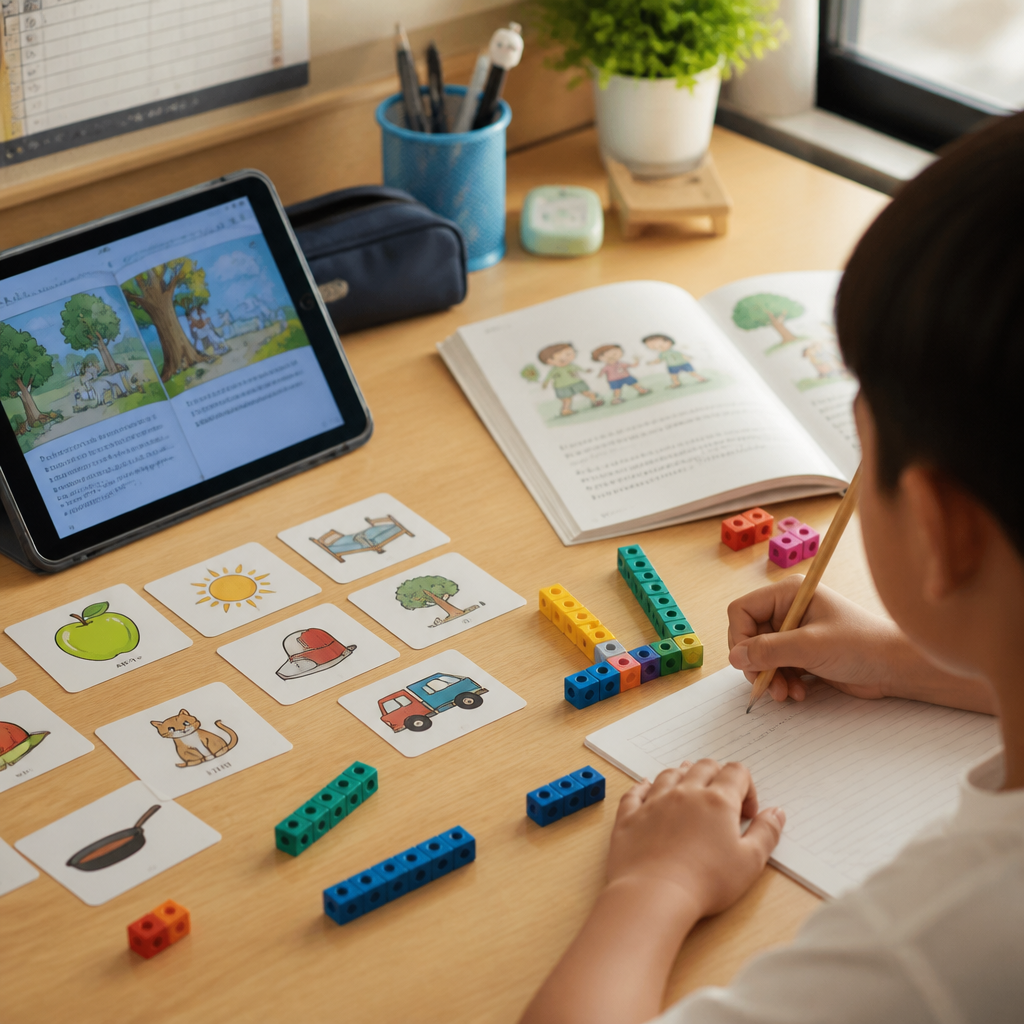
Signs that an app genuinely teaches
A stronger app usually does more than entertain. It tends to include these features:
A common pattern among students is that they become very good at the app itself, but not much better at the skill outside it. That is why parents need to look beyond whether the child “likes it”.
Watch what happens after the app closes
A better test is this, what carries over after screen time ends?
Can your child recognise the same word in a book? Can they count objects off-screen? Can they recall a Chinese word during dinner conversation? For interactive learning apps used at home, that carryover matters. If your child only performs inside the app environment, the learning may be too narrow or too dependent on prompts.
One practical way to test this is to repeat the same concept in a different format the next day. If the app taught the word “cat”, show it in a printed book. If the app taught number bonds to 10, try using toy blocks or spoons at the table. If the child can transfer the skill, the app is probably supporting real learning rather than just screen familiarity.
Put Safety Before Convenience
When parents search for the best study apps for kindergarten kids in Singapore, safety can get pushed aside because everyone is focused on learning outcomes. But a young child does not know how to tell the difference between a lesson and an ad. If a game keeps interrupting with pop-ups, coins, locked features, or “buy now” prompts, the whole experience can become stressful and manipulative very quickly.
What to check before downloading
Before you download, pause and review these basics:
- Whether the app contains third-party ads. A child trying to learn letter sounds should not accidentally click into unrelated videos or shopping prompts.
- Whether in-app purchases are locked behind parent gates. Some apps start free, then block useful content halfway through, right when your child is finally engaged.
- Whether the app collects unnecessary personal data. If it wants microphone access, location access, or account creation without a clear educational reason, it is worth reconsidering.
- Whether there are open chat or community features. Preschoolers and lower primary children usually do better with simple, closed environments.
Free is not always cheaper
Many parents understandably look for affordable educational apps for early childhood learning. Cost matters, especially when you are already paying for childcare, enrichment, or transport. But the cheapest option can become expensive in other ways if it pushes ads, locks content aggressively, or leads to accidental purchases.
Sometimes a simple paid app with clear lessons and no distractions gives better value than a “free” app full of interruptions. Before subscribing, test whether your child will actually use it consistently for a week. That small pause can save money and prevent your device from filling up with apps no one really uses.
For broader home learning support beyond apps, some families also compare guided help at Singapore Tuition Teachers, especially when a child needs more human interaction and structure.
Be Honest About Age, Screen Time, And Attention Span
One common mistake is assuming that if an app says “ages 3 to 8”, it is suitable for every child in that range. In real life, a tired K2 child after full-day preschool may not cope well with the same app that works nicely on a calm Saturday morning.
Choose based on developmental readiness
Some children can sit and follow audio instructions. Others still need an adult beside them to stay on task. This affects which study apps actually help improve focus in children. Often, the answer is not an app that claims to “train attention”, but one that fits the child’s natural attention span and does not overload them.
Children who struggle to focus often do better with:
- Short tasks under 5 minutes. Brief activities reduce frustration and make success more likely.
- A clear visual layout with few distractions. Too many buttons, colours, and side games can pull attention away from the learning goal.
- One concept at a time. Young children usually process and remember more when the task stays focused.
- Limited animations between questions. Less stimulation often leads to more thinking.
By contrast, an app packed with rewards and side games may make focus worse. The child gets used to quick stimulation and then finds slower real-world tasks even harder.
Set limits that real families can maintain
Perfect routines are rare. Some weekdays in Singapore are simply packed with school, after-school care, dinner, baths, and older sibling homework too. So screen rules need to be realistic enough to last.
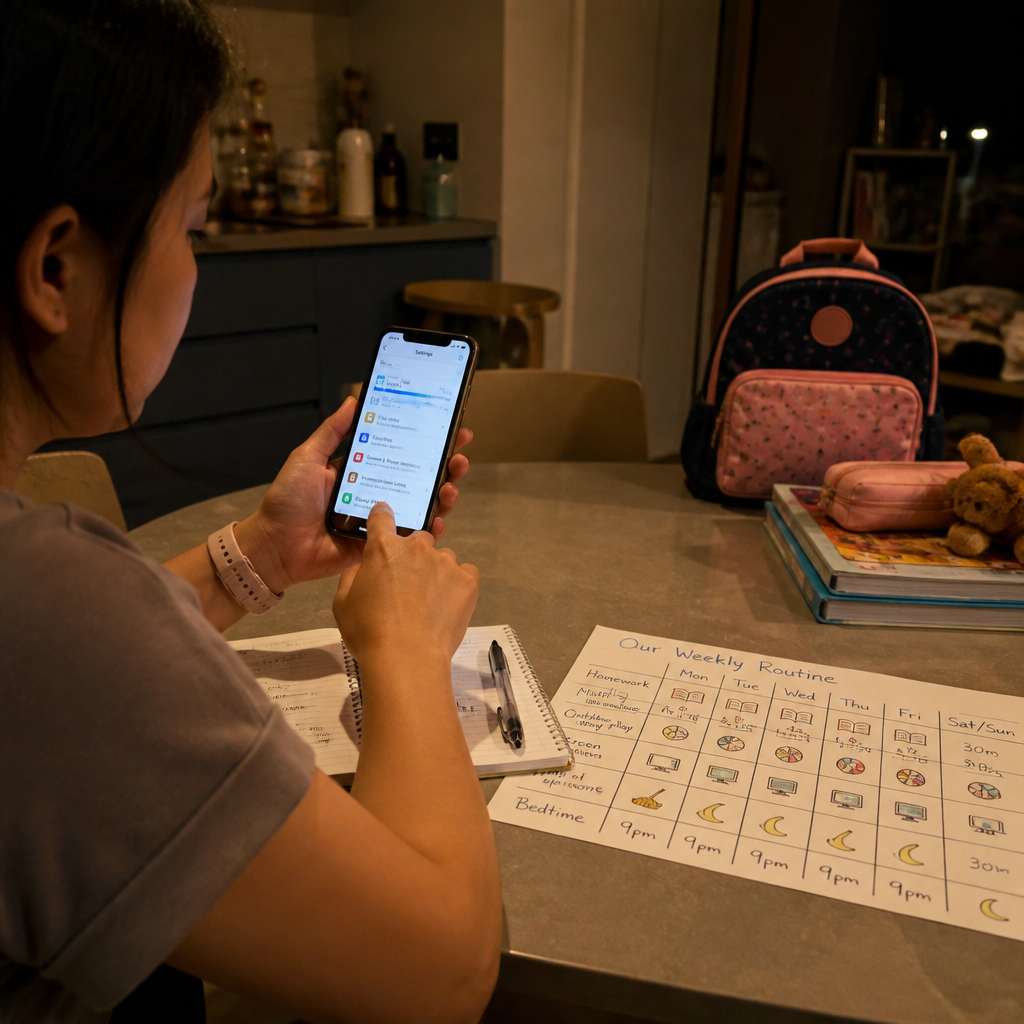
A workable routine might be 10 to 15 minutes of app-based learning, followed by one offline follow-up. After a phonics game, ask your child to spot the same sound in a book. After a counting app, count grapes or buttons together. That keeps the app in its proper place, a springboard, not the whole lesson.
It also helps to use the same timing each day. Young children often cope better when they know the sequence: snack, app, then book or bath. Predictable routines reduce negotiation and make it easier to end screen time without conflict.
Parents can also refer to preschool guidance from MOE and early childhood resources from ECDA.
Choose Apps That Fit Singapore Learning Needs
Singapore parents are often not just looking for any educational app. They are trying to support specific needs, English reading, Chinese exposure, foundational math, or school readiness for lower primary. This is where careful selection matters more than popularity.
Reading and phonics
For younger children, reading apps should support sound awareness, blending, vocabulary, and listening comprehension. If your child is memorising books but cannot decode new words, a phonics-based app is usually more useful than pure story animation.
A familiar scene for many parents is this, the child can sing along to the app perfectly but stares blankly at a printed CVC word on paper. That usually tells you the app is leaning too heavily on repetition and not enough on actual reading skill.
Numeracy and early math
The best math apps for young children do not rush into timed quizzes. They build number sense first. Look for apps where children move counters, compare sets, complete patterns, or see part-whole relationships. Flash-card style drills can help later, but too much too early may create anxiety or guessing habits.
Chinese and bilingual support
This is a major concern for many families, especially when home exposure is limited. Chinese learning apps can support listening, vocabulary, and pronunciation, but they work better when parents reinforce even a little offline. A simple follow-up such as naming fruits during dinner or using one familiar phrase daily often helps the learning stick.
For bilingual households, it is also useful to choose apps with clear audio and natural pronunciation rather than overly fast speech or cluttered subtitles. Young children benefit more from hearing a small set of words used clearly and repeatedly than from being flooded with too much language at once.
Small Parent Involvement Makes A Big Difference
Many working parents feel guilty here. If you are tired and using an app because you need a breather while dinner is cooking, that is understandable. The goal is not to hover over every minute. But younger children usually learn far better when an adult stays lightly involved.
Co-use beats digital babysitting
Even five minutes of sitting beside your child can change the quality of the session. You notice whether they are thinking or just tapping randomly. You hear whether they are pronouncing sounds properly. You can stop the session if the app is becoming overstimulating instead of educational.
A simple habit helps, ask one follow-up question after each session.
- “Can you show me that sound on paper?”
- “How many apples are there if we add one more?”
- “What is this word in Chinese?”
That tiny bridge between screen and real life is often where real learning happens.
Keep a simple review habit
Parents do not need a formal tracking sheet, but a quick mental check each week can help. Ask yourself: Is my child still engaged? Are they learning something new? Is the app becoming a battle to stop? If the answer is no progress or frequent conflict, it may be time to switch tools or reduce use.
This matters because some apps feel productive simply because they are quiet and convenient. But convenience alone is not the same as progress. A short review helps parents stay intentional instead of letting an app become part of the routine by default.
Know when apps are not enough
Sometimes parents keep downloading more apps because they hope the next one will finally solve the issue. But if your child consistently resists reading, guesses through math, or needs constant adult prompting to stay engaged, an app may not address the underlying difficulty.
In those cases, structured human support can help more than piling on digital tools. If you want to compare learning support options and see whether gentle, personalised guidance may suit your child better, you can learn more here: Private Home Tuition Contact.
Frequently Asked Questions
How much screen time is reasonable for learning apps for young children?
Short, purposeful sessions usually work better than long ones. For preschool and lower primary children, 10 to 20 minutes of focused use is often enough, especially if followed by an offline activity like reading aloud, drawing, or counting objects. Quality matters more than clocking more minutes.
Are free learning apps safe enough for young children?
Some are, but parents need to check carefully. The biggest concerns are ads, open links, data collection, and aggressive in-app purchases. A free app that constantly interrupts learning may be less suitable than a simple paid one with a calmer and safer design.
Which apps help improve focus in children?
The most helpful apps for focus are usually calm, clear, and limited in stimulation. Look for short tasks, simple visuals, and one concept at a time. Apps with too many rewards and side distractions can actually weaken sustained attention instead of improving it.
Should I use apps for Chinese if my child already struggles with Mother Tongue?
Yes, but keep expectations realistic. Apps can support vocabulary and listening, especially when home exposure is limited. They tend to work best when paired with small daily use in real life, such as naming objects, repeating phrases, or listening together for a few minutes.
Can learning apps replace reading practice or tuition?
No. Apps can reinforce skills, but they are not a full replacement for books, conversation, writing, play, teacher guidance, or personalised support. If a child has persistent struggles, more direct help may be needed to build confidence and understanding.
Conclusion
So, what are the best learning apps for young children? For most families, it is not about finding one top-ranked app. It is about finding the app that fits your child’s age, current learning level, attention span, and home routine, while also being safe, ad-light, and genuinely educational.
The strongest choices support active learning and reinforce reading, numeracy, Chinese, or thinking skills in a focused way. They do not turn every session into passive screen time. For busy Singapore parents, learning apps can be useful tools for short home learning moments. They simply work best with clear limits, simple follow-up conversations, and realistic expectations.
If your child needs more than an app can offer, there is nothing wrong with looking for more structured support. You can compare learning support options for your child and learn more about our tutors here: Private Home Tuition in Singapore.